
Your family, remembered.
Save family profiles and choose who needs care for each booking. Care needs are recorded separately for each service request.
From the first service you choose to the record of each visit. Take a look inside the app you’ll use along the way.
Explore the screensChoose a screen to see the customer app with sample data. Services and booking options depend on availability.
Nursing, therapy and caregiver support have their own service options. See what is included before moving ahead.
Service → Who needs care → Care needed → Schedule → Address → Review
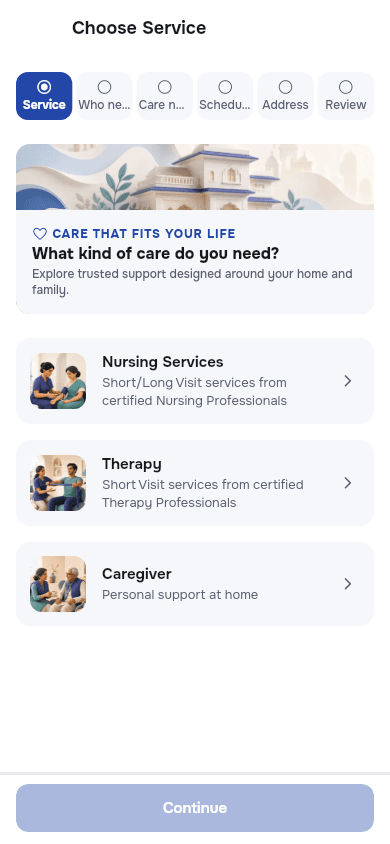
Actual app screen · Sample data
Names, dates and prices are illustrative.
The people, places and updates that matter to your family, kept together.
Save family profiles and choose who needs care for each booking. Care needs are recorded separately for each service request.
Keep saved addresses, add a map location and check serviceability before confirming where care will be delivered.
Find notifications in Alerts, check booking and payment details, and use the in-app help and contact options when you need support.
Nursing records can include vitals and medication logs. Caregiver records show daily care and observations; therapy records show session details when submitted.
Follow the steps for booking care or requesting a callback in the app.