
From “where do I start?”
to a plan for care.
Six steps to book a priced service. Then, the details you need to follow each visit.
Choose a service
Explore nursing, therapy or caregiver services. Read what is included and choose the support you need.
Tell us who needs care
Choose a saved family member or add someone new, with their name, date of birth and relationship to you.
Share the care needed
Describe the condition or care needs for this booking. Add doctor and hospital details if relevant.
Set a schedule
Choose visit dates, times and durations from the options available for your service.
Confirm the address
Select a saved address or add a location for care. The app checks whether the location is serviceable.
Review and confirm
Review the schedule, address and price. Pay upfront or pay per visit; with per-visit payment, nothing is due at checkout and you pay when care begins.
Follow each visit
After booking, see assignments and visit updates, contact your professional when a number is available, and open submitted care records.
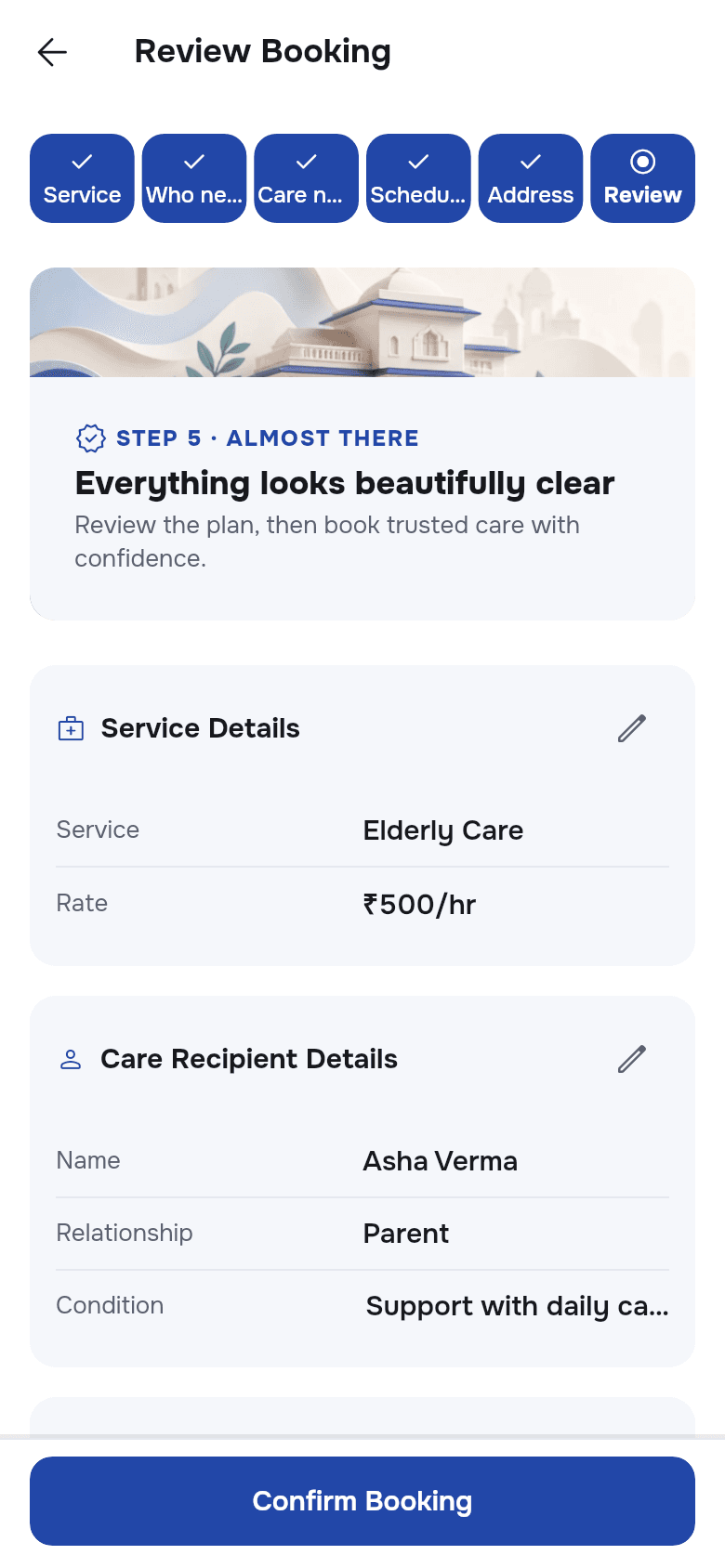
Actual customer app · Sample data.
Services, prices and visit options vary.
Some care starts with a conversation.
For services without a price, choose who needs care and request a callback with the care details and your preferred contact time. No payment or visit schedule is required to send the request.
Explore the care categoriesWant to see the screens?
Explore the booking, calendar, tracking and care record views.
Explore the app